

Menus don’t just list items—they guide decisions. And in 2026, the fastest menus are the ones you can update in minutes, not days.
1. Introduction
We live in a world where all things are updated in real time, whether it’s prices, offers, availability, etc., and it’s annoying when a restaurant menu has remained the same since 1993. You print a batch, something goes wrong, and the next thing you know, you’re apologizing to customers, scribbling with a marker or reprinting the whole thing.
This is the issue that most restaurants have today: constant price fluctuations, seasonal deals, daily availability, and the continuing design and printing costs. Even when the food is fantastic, an old menu silently kills the customer experience. It makes ordering slow, introduces confusion, and makes your restaurant look more disorganized than it actually is.
A smarter way exists now: the 10freesignage AI menu maker. It is designed to be fast, easy to understand, and consistent—so you can update your menu without having to start afresh, without a designer, and without losing time every week.
This article reveals how an AI restaurant menu maker can make your operations leaner, your customer experience better, and your profitability higher: by making you publish cleaner menus at a faster rate and emphasizing the items that actually drive your revenue.
2. What is an AI Menu Maker?
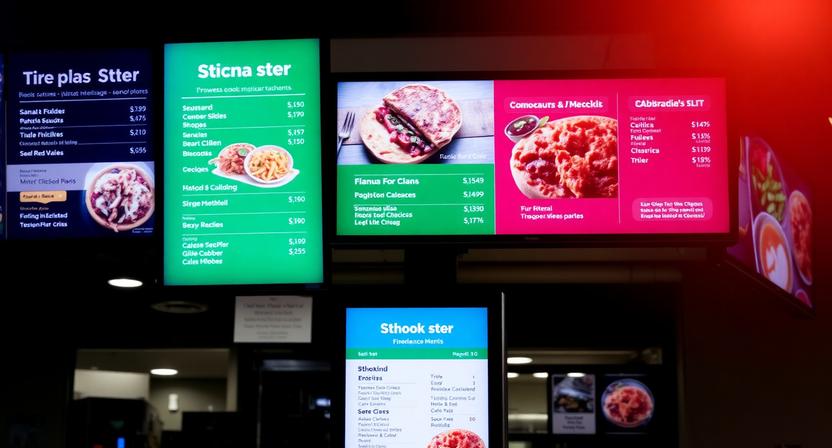
If you’ve ever wanted to make a menu with AI, the idea is simple; the idea is straightforward: you no longer need to format menu layouts manually, arrange the elements, or know what should be considered professional, as artificial intelligence will assist in it.
An AI menu creator is an application that provides smart layout and design services to transform your list of food products into a professional menu that is ready to be published. You can save time that you would have spent hours trying to match the fonts, space, and positioning of the images and input what you want and allow this tool to create a clean design that can be edited in a few minutes.
How it Works (Without the Design Stress)
The best AI menu tools combine drag-and-drop editing with AI recommendations. You remain in control, but the platform assists you with making wise design decisions within a short period of time, such as
• Pairs of matching fonts that are professional.
• Using color combinations to make text readable.
• Recommending the position of the images in order not to make the layout too crowded.
• Spacing the sections automatically to make the menu look balanced.
This is the difference between “I made it work” and “this looks like it was designed by a pro.”
The “Smart” Difference: Why AI Improves Layout Decisions
AI doesn’t just save time to create menus; it makes them smarter. The first benefit is that AI-driven layouts can instruct the movement of the customer in the menu. Instead of leaving everything randomly, an AI-driven system can arrange everything in the most optimal way, as your best offers will be noticed.
As an illustration, a lot of restaurants will put high-margin food in places where customers will look first, and this area is sometimes called the golden triangle, where people’s eyes tend to land first when they scan a menu. AI assists in implementing this concept uniformly even when you have never learned anything about menu psychology.
3. Why Your Restaurant Needs an AI-Powered Solution
One of the most updated sales documents in your business is a menu. When you find it challenging to update it, you update less frequently. And the less frequently you update, the less accurate your menu is—and the less profitable it becomes.
This is why an AI restaurant menu maker has become a necessity to contemporary restaurants.
Speed of Updates
Prices change. Items sell out. Suppliers raise costs. A seasonal special ends. One of the new dishes is a bestseller overnight.
Using AI menu tools, you can change prices or delete sold-out items on the spot, without redesigning the menu. The speed saves staff time and minimizes customer confusion.
Restaurants that update menus faster tend to avoid the hidden costs of “menu mismatch”—refunds, complaints, and lost trust.
Consistency Across Channels
Your menu does not appear in a single place anymore to customers. They see it:
• On a digital screen in-store
• Through a QR code at the table
• On social media
• On an online menu page
• In a takeaway PDF
AI also makes your design consistent in all those channels; as such, your branding is not messy or mismatched. Your menu does not look like a bunch of five files.
Upselling with AI
Selling more is not a hard task when it comes naturally. AI-based digital signage software will provide combo ideas or trendy combinations to you, allowing you to point out add-ons and packages that lead to higher average order value.
Rather than having to have an upgrading suggestion every time made by your staff, your menu design itself can do some of the selling, in layout, section arrangement, and location of offers.
4. Top Features of the 10freesignage AI Menu Maker
Not all AI tools are equal. The best ones do not merely produce something. They create something that you can utilize now, polish, and release everywhere.
The following are the features that make the 10freesignage AI menu maker practical for real restaurants:
Intelligent Design Templates
Templates are important since not all restaurants are the same. A fine-dining menu must have space, grace, and visibility. A fast-food menu must have fast scanning and bold pricing. Cafes should have drink and pastry highlights. Bars require high-impact graphics.
The digital signage templates generated by the AI will assist you in selecting the layouts that suit your style, so your menu will not sound like it belongs to another company.
Real-Time Editing
A robust AI menu creator will allow you to make changes in real time and watch them change immediately. That means:
• You are able to change prices during a promotion.
• Fast update of daily specials.
• Remove items that sell out
• Design a holiday menu without redesigning.
Real-time editing turns menu updates from a “project” into a quick routine.
Integration Capabilities
The ideal menu systems do not exist in a vacuum. A tool that can be associated with POS data will minimize manual updates and ensure that menus are updated on the basis of inventory and price rules. That is the way you will not say we are out of that, and then it will happen.
Brand Consistency
Your menu forms a part of who you are. Using brand tools, you are able to add your logo, choose your colors, and ensure a similar appearance on all pages and sections. The AI then assists in maintaining some spacing and typography and style in such a way that nothing appears off-brand.
5. Is There a Free Option?
It might have occurred to you, should you have searched for an AI menu maker for free, that the issue is that most of the free ones are restricted to simple exports, will impose a watermark, or will fail altogether once you attempt to render the menu look actually nice.
The approach of 10freesignage is different. The 10 in the name indicates the concept of free access points—so restaurants can begin developing menus, but they are not pressured to subscribe to a paid plan before they have tried the workflow.
What You Get with a Free Tier
A free tier that is practical should assist you to generate a real menu and not a demo. That typically means:
• Availability of necessary templates.
• Export without watermark (to continue to have a professional menu)
• Simple AI structure proposals to accelerate the formatting and designing.
• Easy editing features so that you can also customize the content fast.
“Free” should mean you can launch a usable menu today—not just preview a locked feature set.
Why Free Doesn’t Mean Low Quality
Even a free version can be a serious value, as the largest ROI is time. Assuming you cut the time of menu updating from hours to minutes, the tool has already paid for itself in work efficiency, particularly in the busy restaurants where the change is constantly occurring.
The decision to upgrade is no longer a matter of survival based on the number of templates, analytics, and deeper integrations but a business decision.
6. Exploring Different Formats: Apps, Software, and Online Tools
Restaurants have different ways of operation. This is why it is useful when an AI menu-making company can integrate with your workflow, be it in keeping menus on the floor updated or creating a multi-page menu at a detailed level.
AI Menu Maker App
A menu maker application based on AI is ideal when it comes to quick changes. The food truck owners, managers of the cafes, and supervisors of the floors are usually left in need to move objects without leaving the serving area.
Having a mobile-friendly workflow, you can:
• Change daily specials within seconds.
• Swap out a sold-out item
• Change prices to a temporary promotion.
AI Menu Maker Software
The AI menu maker software option is perfect when you have a more elaborate menu to create, such as a multi-page wine list, banquet menu, or catering package. Complex layouts can be provided with more space and control with a desktop-style workflow.
Online Menu Maker AI
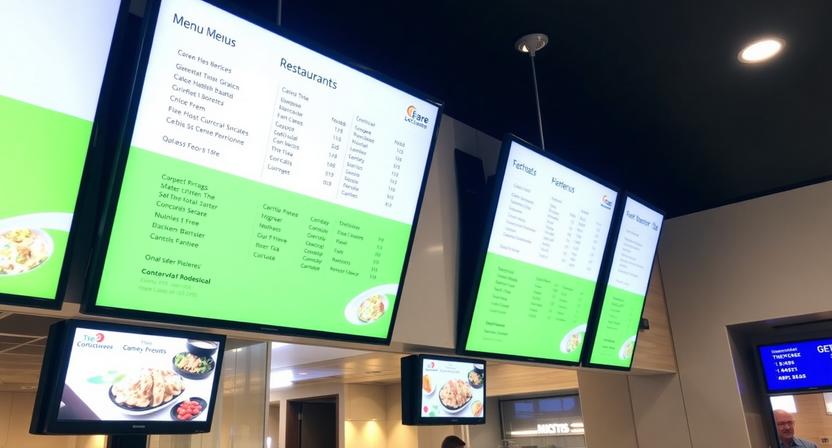
The convenience of an online menu maker AI solution is that it eliminates downloading, IT support, and complex installation. You are able to log in, edit, and publish anywhere.
It is particularly handy when working in restaurant groups and teams who would like to have centralized access where several people can update menus without breaking consistency or hurting design integrity.
Cloud access means your menu can evolve with your business—even when you’re not on-site.
7. Industry Specifics: Food Menu Maker AI
Restaurants are not universal, and a powerful food menu maker AI must be able to adapt to the realities of various formats.
For Cafes
Cafes are good at fast upsells: get a pastry, have a seasonal latte, or have a bigger one. AI layouts help highlight:
• Coffee specials
• Featured pastries
• Seasonal bundles
• Limited-time add-ons
For Restaurants
In the case of full restaurants, categories, readability, and time-based changes require the menu:
• Lunch menu and dinner menu.
• Weekday vs weekend items
• Happy hour layouts
• Specials that change every now and then by the chef.
For Bars
The bars tend to be dependent on the visual impression. AI can also assist in organizing cocktail menus in which pictures and brief descriptions become the focus of desire, and the prices remain easy to read.
For Pop-Ups & Events
Pop-ups move fast. You should have a temporary menu today and not next week. Rapid deployment is a possibility with AI—thus, you can deploy, publish, and make changes fast as the event progresses.
8. How to Make a Menu with AI: A Quick 3-Step Guide
In case you would like to create a menu using the help of AI, this is the basic workflow that can keep it fast and practical.
1) Input
Input your food products, descriptions, and prices in the 10free signage dashboard. You can organize it in categories (starters, mains, drinks) in order to make the AI know how to group things.
2) Generate
Allow the AI to organize your things, structure the text, recommend ways to improve the layout, and point to the places of images. You can always change anything that you do not like, but the hard job is accomplished immediately.
3) Publish
Send your menu as a PDF file to print or send your menu directly to digital signage displays to update it instantly.
Once you’ve done this once, updating becomes a routine—not a redesign.
9. Frequently Asked Questions
Is the AI menu maker really free?
Yes—there’s a free tier that lets you design and publish menus with essential AI design features. Premium templates and advanced analytics are on paid plans.
Can I use this for a printable menu as well as digital screens?
Absolutely. The AI is optimized on the layout to print (PDF) and display (high-resolution screens) as well.
Do I need design experience to use the AI restaurant menu maker?
None at all. The AI takes care of the structure of designs, spacing, and layout. You bring the food and prices.
Can I upload my own food photography?
Yes. You are allowed to post your personal photos, and the AI will position them smartly. Integrated stock visuals are also available to you.
How often can I update my menu?
As often as you like. At 10Freesignage, one can do any number of updates, so it is ideal for seasonal specials or daily catch-of-the-day goods.
10. A Smarter Menu for a Faster Restaurant
AI eliminates the headache of menu design by creating updates quickly, layouts uniform, and images professional without the expense and time delays of the traditional design processes. Restaurants can transition to dynamic menus that change with the real-world conditions: daily availability, seasonal specials, offers, and changing prices.
More to the point, menus of the modern day are included in the customer experience. When your menu is clean, up-to-date, and simple to scan, ordering is much easier, your customers feel more assured, and your best products will be noticed.
When you are still finding it a weekly battle to update your menu, then it’s time to get out of the mindset that you are using your menu as a fixed document and begin to think of it as a living sales tool.
Get started with 10 free signs today – it’s free
