
You can go live in less than 4 minutes. Simply upload your content or choose a theme, then display it instantly by adding a screen. Click Add Screen in your dashboard to see step-by-step instructions.
Make meeting spaces friction-free—and keep screens useful all day
Meeting rooms waste value when TVs sit blank. 10freesignage helps you turn those screens into room-status displays, reminders, and internal communication—so rooms run smoother and screens stay useful.
Used by Thousands of Screens Worldwide
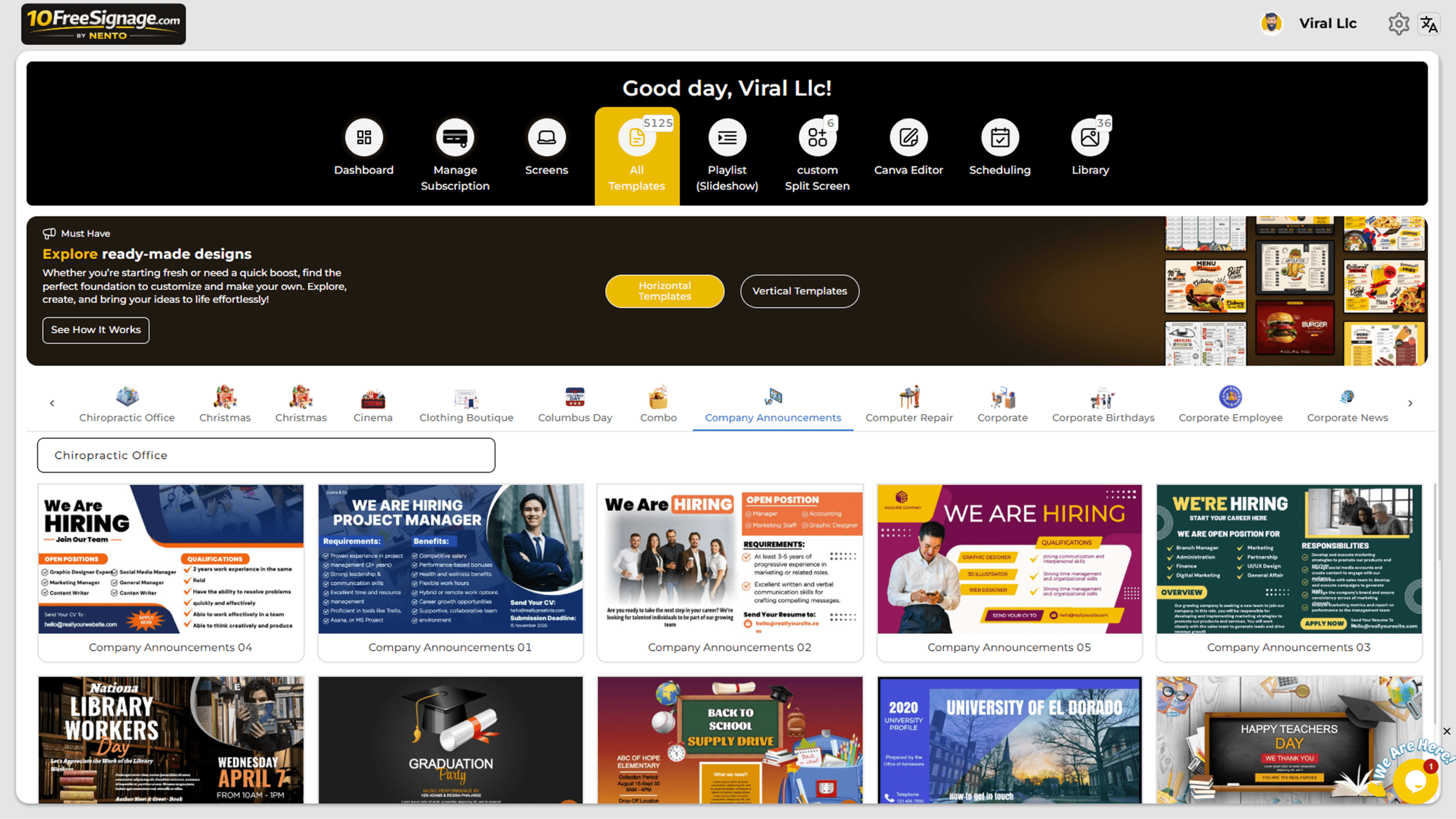
How teams use meeting room screens
- Room clarity: show “in use / available / next booking” style messaging to reduce interruptions.
- Meeting readiness: agenda slides, reminders, and simple “how to connect” instructions.
- Between meetings: repurpose screens for office announcements, safety messages, or upcoming events.
The fastest way to reduce meeting-room friction is to make availability and expectations visible.
Why people love it
We stopped interrupting meetings to ask if the room is free. It’s obvious now.
Omar SiddiquiOffice Manager
Between meetings, the TV finally shows useful updates instead of a blank screen.
Sarah MitchellOperations Director
Make every meeting room screen useful—start with 10 free screens.
Need Help? We’ve Got Answers
Everything you need to know before going live with your digital signage.
Do I need special hardware to run this?
No special hardware is required. Our system works on any device with a web browser and an internet connection. We also offer apps for many devices. For best results, we recommend Amazon Fire Stick, Chromecast, or an Android box. For the cheapest, most reliable, and highest-performance option, we highly recommend our New DS Player device, which you can order directly from us.
Can I customize themes to match my business?
Absolutely. We offer millions of template combinations that are fully customizable to match your business style and branding. You can also change colors, layouts, and branding on any template at any time.
Is it easy to update content and prices?
Yes. Updating content and prices is extremely simple. Once your screen is added, just log into your dashboard and make changes in real time. No technical knowledge is required.
Does it work offline?
Our system is primarily cloud-based, but you can download content for offline playback. Real-time updates require an internet connection. Coming soon: the ability to upload content directly from your phone via Bluetooth with no internet required.
How much does it cost?
We offer flexible pricing plans, starting with a free plan for up to 10 screens. Click here to view our current plans.